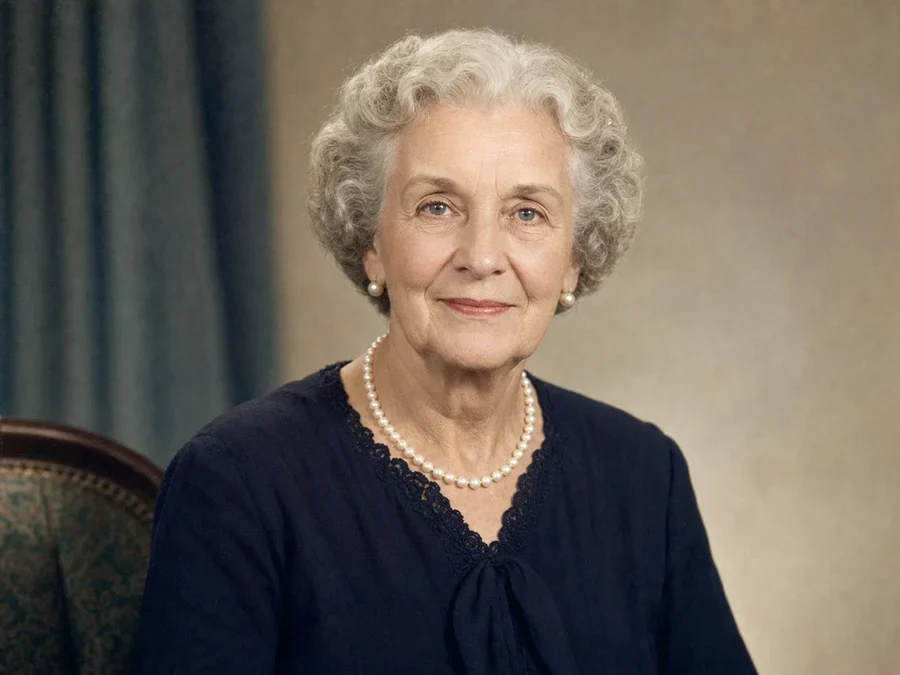
Memory Motion animation
Animate Old Photos
Turn a restored family photo into a short, restrained animation with a gentle breath and natural blink. Restore the photo first, then animate it for 15 credits.
How Memory Motion works
Restore the photo
Upload the old photo to the main restoration tool and finish a restoration while signed in. Memory Motion can only animate a completed restoration you own — not a guest preview or an outside image.
Review the motion and confirm
On the result screen, review the real Gentle breath example, confirm you have the right to use the photo, and review the 15-credit cost before anything is charged.
Wait, then download
Generation usually takes one to three minutes. Watch the short clip, download it, or use your one free redo to request a second result with the same photo and settings.
Which photos qualify
Memory Motion works best on a clear, restored single-person portrait: one face large and visible in the frame, reasonable sharpness, and no heavy remaining damage across the face. A short automatic check runs before you are charged and will explain, in plain language, if the resolution is too low, the photo is too blurry, more than one person is in frame, the face is too small, or damage is too severe to animate reliably. Nothing is charged when that check declines a photo.
What the motion does — and does not do
Gentle breath adds a slow, natural chest rise and fall with a soft blink; camera and background stay still. It does not intentionally add speech, singing, laughing, waving, walking, head turns, or camera movement. This is a deliberately restrained animation of a real family photo, not a talking-photo effect and not a claim of historical accuracy.
Pricing in credits
The launch option is a 5 second, 720p clip for 15 credits. It includes one free redo using the same source photo, motion, and quality settings. If generation fails on the provider side, the credits you spent are refunded automatically — see the full pricing page for the restoration credit packs.
Privacy, consent, and deletion
Only you can animate your own completed restorations — the source photo must belong to your signed-in account. You confirm you have the right to use the photo before anything is generated. Every result is labeled as an AI-generated animation, not a historical recording. Deletion requests for a photo or an animation are processed within 30 days, the same policy that covers photo restoration.
Quick answers
Is the animated video historically accurate?
No. Memory Motion generates a plausible AI animation on top of your restored photo. It is not a recording of the real person moving, and it should not be treated as verified historical footage.
Can I animate someone else's old photo?
Only animate photos you have the right to use. You confirm this before every animation. Memory Motion is intended for your own family photos, not photos you found elsewhere or do not have permission to use.
What happens to my photo and the finished clip?
The source photo and the finished clip stay tied to your account. If you request deletion, we process it within 30 days, matching our photo restoration deletion policy.
What does the free redo change?
The free redo requests one more result using the same source photo, Gentle breath motion, and Standard quality. It does not switch to a different motion or quality setting.
What if the animation fails or my photo is rejected?
If the quality check declines a photo before generation, you are never charged. If a paid generation fails on the provider side after credits were reserved, the credits are refunded automatically.
Why can't I animate a photo I have not restored yet?
Memory Motion only accepts a completed restoration you own, verified against your account. Restore the photo first, then animate the restored result from the result screen.